
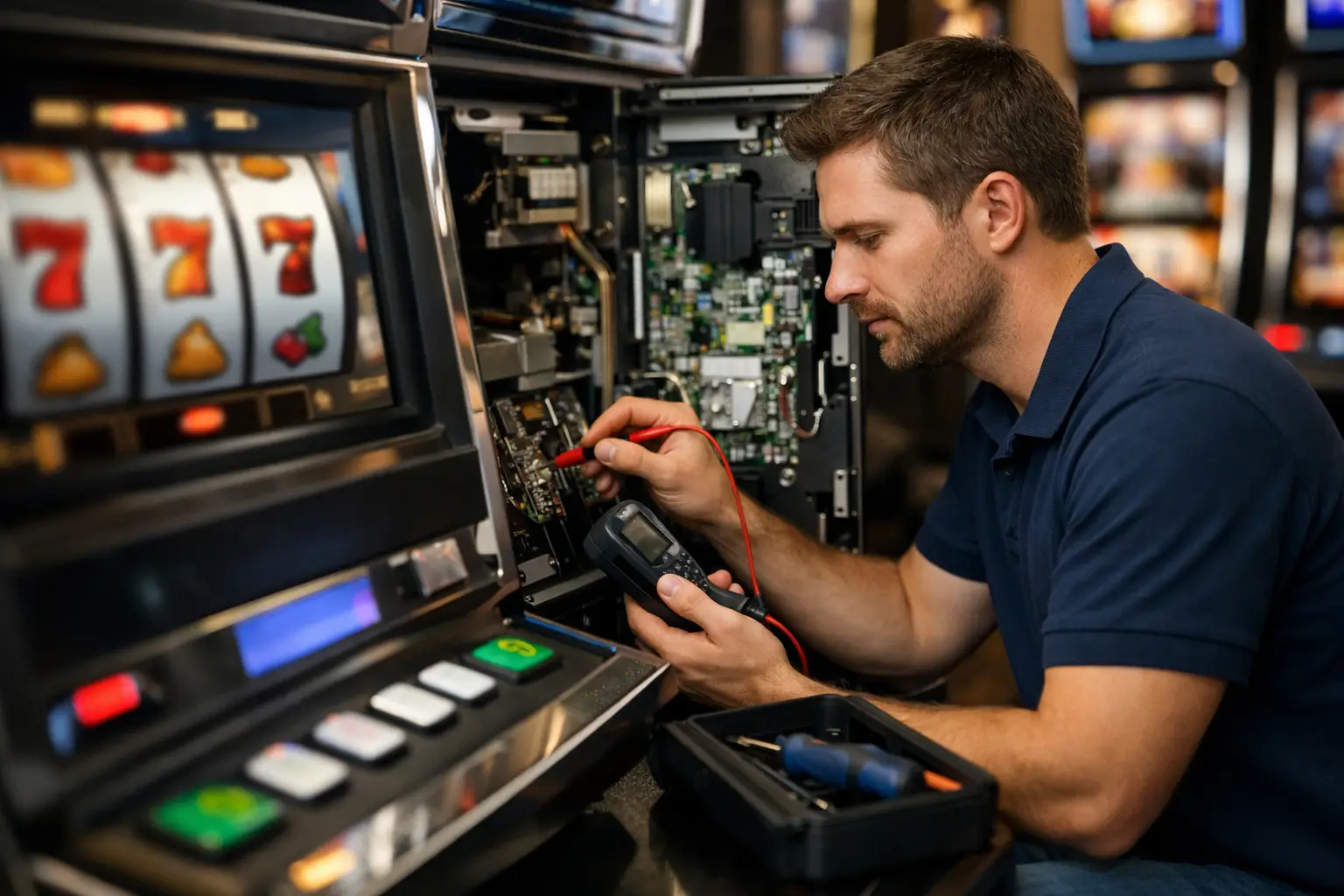
A slot machine that suddenly flashes an error code can take the fun out of your game room fast. If you’re wondering how to troubleshoot slot machine errors without turning a simple fix into a bigger repair, the good news is that many common issues have straightforward causes – and a calm, step-by-step approach usually gets you a lot further than guesswork.
Home-use slot machines are different from casino-floor machines in one big way: they have been adapted for residential play. That means some original casino features may have been removed, bypassed, or updated so the game works properly in a home setting. Because of that, troubleshooting is not always about finding a broken part. Sometimes it is about understanding what the machine still expects to see, what has already been modified, and where a connection may have come loose over time.
Start with the simple stuff first
Before you assume the machine has a serious failure, check the basics. It sounds obvious, but power issues, loose plugs, and door closures are behind a lot of service calls. Make sure the machine is plugged directly into a reliable outlet and that the power strip, if you’re using one, is switched on and working properly. If the machine powers on but behaves strangely, unstable household power can also be part of the problem.
Next, open and re-close any access doors carefully. Many machines rely on door switches to confirm that everything is shut correctly. If a door is not fully latched, the game may throw an error or stay in a service state. A machine can look closed while still missing that final bit of pressure on the switch.
Then take a moment to listen. Is the machine booting normally? Are the lights coming on? Do the reels try to initialize? Those small clues matter. A totally dead machine points you in one direction. A machine that powers up but stops during startup points you in another.
How to troubleshoot slot machine errors by symptom
The best way to approach troubleshooting is to work from what the machine is actually doing, not just the code on the screen. Error messages can be helpful, but symptoms often tell the fuller story.
If the machine will not power on
Start at the wall outlet, then move inward. Test the outlet with another device. Check the machine’s main power switch. Look for a fuse holder near the power entry area if your model has one. A blown fuse may be the issue, but replacing a fuse without asking why it blew is only a temporary move. If the replacement blows right away, stop there. That usually points to an electrical fault that needs proper service.
Also inspect the power cord for damage. On older refurbished machines, cords may have been replaced during restoration, but wear can still happen if the machine has been moved around a lot.
If the machine powers on but shows an error
Write down the exact message or code before doing anything else. That saves time later and helps avoid repeating steps. Some errors are tied to startup checks, while others appear only when you try to play.
If the machine has recently been moved, a connector may have shifted loose. Vibrations during transport can affect harnesses, boards, and reel connections. With the machine powered off, a visual inspection can reveal a lot. Look for anything obviously unplugged, tilted, or out of place. Do not force connectors or remove boards unless you know exactly what you are handling.
If the reels will not spin or stop correctly
Reel-related problems are common on older slot machines. Dust, worn components, and alignment issues can all play a role. Sometimes the machine is telling you it cannot read reel position correctly. In other cases, a reel is physically sticking.
Look for signs of obstruction. A loose label edge, debris, or a shifted part can interfere with movement. If the reels try to move but cannot complete their cycle, the issue may be mechanical, optical, or board-related. This is one of those areas where the fix depends heavily on the machine model. Cleaning may help, but random adjustment usually does not.
If the bill acceptor or coin system is not working
For home users, this is one of the most misunderstood areas. Many machines have been converted for entertainment use, and not every original payment system functions the same way it did in the casino. If your machine is set up to accept bills or tokens, start by checking for jams, dirt, or a full cash box area that is affecting operation.
If the validator lights are off or flashing oddly, verify its connection and power. If it was working before and suddenly stopped, a loose harness or dirty path is often the culprit. If it has never worked since purchase from a third-party seller, there is also a chance the machine was never properly prepared for home use in the first place.
If buttons, lights, or the touchscreen act up
A non-working button may be as simple as a disconnected switch wire. It may also be a worn button assembly. Lights can fail because of bulbs, sockets, boards, or power distribution issues. Touchscreen problems often come down to calibration, age, or component failure.
The key here is not to assume the most expensive part is bad first. On a well-restored machine, small items are often the reason something stops feeling right. The frustrating part is that several different faults can create the same symptom.
Common causes of slot machine errors at home
When people ask how to troubleshoot slot machine errors, they are often expecting a single answer. In reality, home machine issues usually come from a handful of repeat offenders.
Movement is a big one. A machine that worked perfectly before loading into a truck can develop problems after being rolled, tilted, or bumped. Loose connectors and shifted components are very common after transport.
Dust is another. Even in a clean house, game rooms, garages, and basements collect debris. Dust buildup can affect optics, cooling, and moving parts over time.
Power quality matters more than many owners realize. Older gaming machines do not always love cheap power strips, overloaded outlets, or inconsistent voltage. If the machine behaves differently depending on where it is plugged in, pay attention to that.
And then there is age. Even a machine that has been cleaned, repaired, and updated still contains components with a long service history. Refurbishment makes a huge difference, but no honest technician will tell you every original part lasts forever.
What not to do when troubleshooting
The fastest way to turn a minor problem into a bigger one is to start swapping parts or unplugging things at random. Slot machines are built with specific boards, harnesses, switches, and software relationships. If you disconnect several items without documenting anything, it gets much harder to retrace your steps.
Avoid forcing doors, reels, validators, or connectors. If something does not move easily, there is usually a reason. Also be careful with cleaning products. Household sprays can damage plastics, labels, screens, and electronics if used the wrong way.
If the machine shows signs of electrical burning, repeated fuse failure, or board damage, stop troubleshooting immediately. That is not the moment for trial and error.
When it makes sense to call for help
Some problems are worth a basic home check. Others are best left to someone who knows these machines inside and out. If you have gone through the obvious steps, documented the error, and still cannot isolate the issue, expert support saves time and prevents unnecessary parts purchases.
This is especially true for software issues, board faults, reel timing problems, and machines that were not properly converted for residential use. A machine can be “working” enough to power on while still having underlying setup problems that keep it from playing correctly in a home environment.
That is one reason buyers tend to value a seller who actually shops, tests, updates, and supports the equipment after the sale. At St. Louis Slots, we have seen firsthand how much easier ownership becomes when the machine was prepared for home use correctly from the start, rather than passed along with casino-only quirks still intact.
A smarter way to think about errors
An error code is not always bad news. Sometimes it is the machine doing exactly what it should do – flagging a problem before something gets worse. The goal is not to panic every time a message appears. The goal is to read the situation clearly, rule out the simple causes first, and know when a hands-on fix is realistic versus when support will save you a lot of frustration.
If your machine is part of your game room, your basement setup, or your favorite weekend hangout spot, it deserves the same kind of practical care you would give any other piece of entertainment equipment. Slow down, check the basics, and let the machine tell you what is wrong before you start chasing the wrong fix.
 | Check out our
Comments are closed