
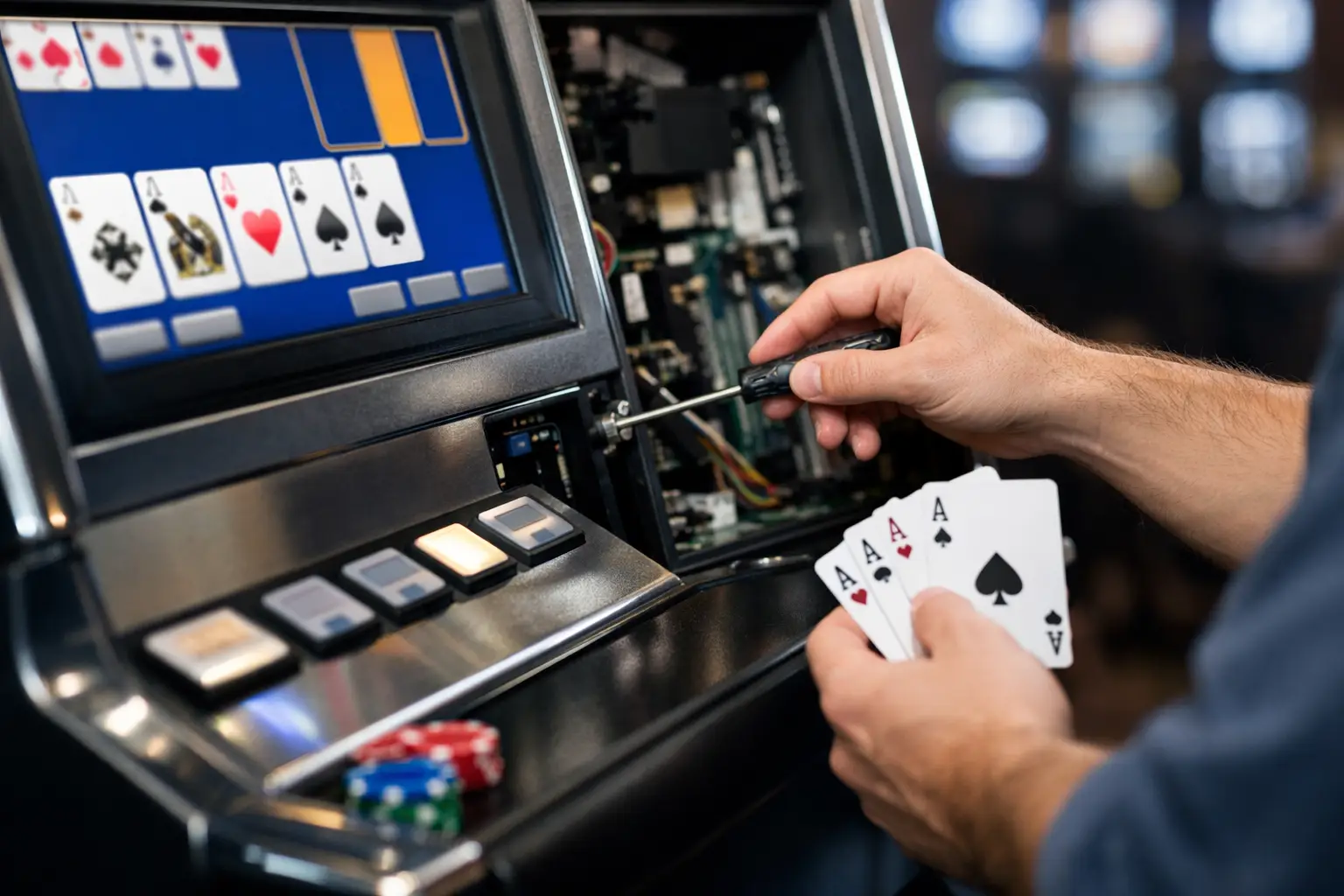
That moment when your machine powers on but the screen stays dark, the buttons stop responding, or the bill acceptor suddenly acts picky can take the fun out of game night fast. The good news is that video poker machine troubleshooting is often more straightforward than people expect, especially when the machine was properly refurbished for home use in the first place.
A lot of issues come down to power, connections, settings, or age-related wear on a few hard-working parts. That does not mean every fix is a do-it-yourself project, but it does mean you can usually narrow the problem down before you panic. If you own a home video poker machine, a calm step-by-step approach will save time, money, and frustration.
Start video poker machine troubleshooting with the basics
Before you assume the machine has a major failure, check the simple stuff first. It sounds obvious, but many service calls begin with a loose power cord, a switched-off surge protector, or an outlet that is not delivering steady power. A machine that seems dead may actually be protecting itself from an unstable power source.
If the machine lights up partially but does not boot correctly, listen closely. Fans, hard drives, and power supplies often give clues. A machine that clicks repeatedly or powers on for a second and then shuts off may have a power supply issue. A machine with lights but no game screen could be dealing with a monitor problem, a loose video connection, or a board that is not initializing.
This is also where home-use modifications matter. Former casino machines often have extra sensors, locks, and switches that were designed for commercial floors, not finished basements or game rooms. If those parts were not removed or bypassed properly, the machine can act like a door is open, a condition is unsafe, or a security check has failed. That is one reason a true refurbishment matters so much.
When the machine will not power up
If nothing happens at all, start at the wall and work inward. Confirm the outlet works with another device. Check the power cord for damage and make sure it is fully seated. If you use a power strip or surge protector, reset it or try plugging the machine directly into the outlet.
If the cabinet still stays dark, the issue may be inside the machine. A blown fuse, failed power supply, or bad switch can all stop startup. At this point, it depends on your comfort level. If you are experienced and know how to work safely around powered equipment, you may inspect for an obvious blown fuse or disconnected wire. If not, this is the right time to stop and get support. Gaming machines are not the place for guesswork.
A quality refurbished machine should already have been inspected for these weak points. That includes testing internal power components, cleaning connections, and replacing worn parts before they become your problem.
Screen problems are not always board problems
One of the most common concerns in video poker machine troubleshooting is a blank, dim, rolling, or distorted display. Owners often assume the game board has failed, but displays have their own set of common issues.
If the machine seems to boot but the screen is black, the monitor may not be getting power, the brightness may be set too low, or a video cable could be loose. Older CRT-based machines can also develop picture issues over time, while LCD conversions may have different connector or scaling problems. If the image appears for a moment and then fades, that points in a different direction than a machine that never shows anything at all.
There is a trade-off here. A quick cable reseat might solve the issue, but randomly unplugging and reconnecting boards without a plan can create new problems. If the display symptoms changed after moving the machine, a shifted connection is more likely. If they showed up gradually over months, aging components are the better suspect.
Buttons, touchscreens, and player controls
A video poker machine is only fun if every hold button, draw button, and cash-out function responds the way it should. Sticky buttons and intermittent controls are extremely common in older cabinets because they have seen years of use. Dust, drink residue from their earlier life, worn microswitches, and cracked wiring can all affect button response.
If one button fails while the rest work normally, the problem is usually local to that button assembly or switch. If an entire bank of buttons stops responding, look more broadly at harnesses, interface boards, or power to the control panel. Touchscreen models add another variable, since calibration drift can make it seem like the machine is ignoring your input when it is actually reading touches in the wrong spot.
This is where hands-on servicing matters. Cleaning a button panel is one thing. Diagnosing whether the issue is the button itself, the wiring, or the board behind it takes a more careful process. On a properly serviced home-use machine, these controls should be checked before sale because they are among the most-used parts on the cabinet.
Bill acceptor and payout issues
Money-handling parts are another frequent source of frustration. If the machine rejects bills, takes them inconsistently, or has trouble registering credits, the bill validator may be dirty, out of adjustment, or simply worn. In home environments, dust and storage conditions can affect these parts more than people realize.
The same goes for payout systems. If your machine is set up for home entertainment use, its hopper, credit system, or payout behavior may be different from how it operated on a casino floor. That is normal. What matters is that the machine has been configured correctly for residential use and tested for reliable operation.
If a bill acceptor suddenly becomes unreliable, start by asking whether the issue happens with every bill or just certain denominations. If it is inconsistent with all bills, cleaning or servicing is likely needed. If it only affects one type of bill, programming or validator setup may be part of the story. Either way, forcing bills into the machine will not help.
Error codes and door-related faults
Some machines are kind enough to show an error message. Others are not. If you see a code related to doors, logic, tilt, communication, or security, do not assume the machine is broken beyond repair. Many older gaming cabinets were built to monitor conditions that matter in a casino but not in your house.
A cabinet that thinks a door is open may have a switch that is misaligned, disconnected, or no longer needed in a residential setup. A communication fault may point to a loose harness between boards. A tilt or safety error might be triggered after the machine was moved.
This is one reason buying from a specialist matters. At St. Louis Slots, machines are prepared specifically for home use, which means removing or modifying a lot of the commercial-floor complications that create avoidable headaches later. That extra work is not flashy, but it makes ownership much easier.
What changes after moving a machine
If your video poker machine worked fine before a move and acts up afterward, that narrows the field quickly. Transportation can shake loose connectors, stress older parts, and throw off components that were already on the edge. The machine may not have a new problem so much as an exposed weak spot.
After any move, check that doors close fully, cables have not shifted, and the machine is level. Some machines behave differently when tilted or jostled. It is also smart to let the machine acclimate if it was moved through extreme heat or cold. Powering it on immediately after a winter delivery can create moisture-related trouble inside the cabinet.
When to stop troubleshooting and call for help
There is a difference between smart owner checks and risky DIY repairs. Basic observations, checking power, confirming connections that are clearly accessible, and noting error messages are all useful. Digging into power supplies, monitor internals, or board-level repairs without experience is not.
If you smell burning, see damaged wiring, hear arcing, or notice repeated blown fuses, stop there. If the machine boots unpredictably or starts corrupting game behavior, professional diagnosis is the safer route. Good support is not just about fixing what failed. It is about protecting the parts that are still healthy.
The best ownership experience usually comes from the front end, not the back end. A machine that has been cleaned, repaired, updated, tested, and set up for home use is simply less likely to give you trouble. And when something does come up, having someone who knows these cabinets inside and out makes all the difference.
Owning a video poker machine should feel like bringing a little casino excitement home, not signing up for a mystery repair project. Start with the basics, pay attention to the symptoms, and do not be shy about asking for help when the issue goes past the obvious. A good machine, backed by good support, lets you get back to the fun part sooner.
 | Check out our
Comments are closed