
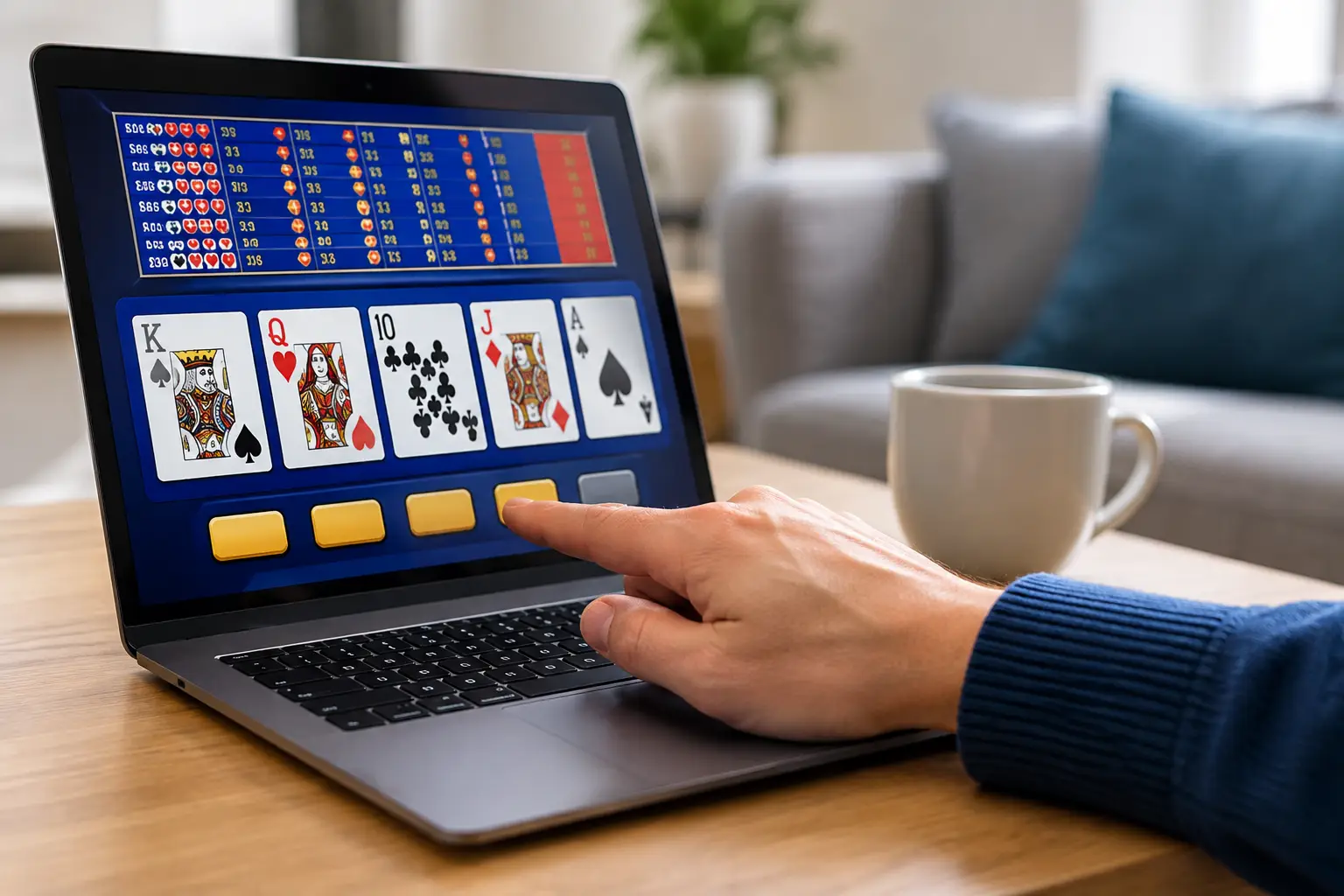
How to Test Video Poker Buttons Before You Play
Nothing takes the excitement out of a new game room addition faster than pressing Deal and getting nothing back. The good news is that learning how to test video poker buttons is straightforward, and a careful check can catch a sticky, intermittent, or nonresponsive button before it becomes a bigger annoyance.
On a home video poker machine, the buttons are the connection between you and the game. Deal, Draw, Bet One, Max Bet, Cash Out, and the Hold buttons should all feel positive and respond when the game is in the correct state. A button that seems dead is not always broken, though. Video poker games only allow certain actions at certain times, so testing the right button at the right moment matters.
Start with a few minutes of observation, then work through a complete hand. You do not need to be a technician to spot a problem. You just need to know what normal feels and looks like.
Start With a Safe, Clean Setup
Before testing, make sure the machine is on a stable surface and plugged into a properly grounded outlet. Give it time to boot completely. Older casino-style machines can take a moment to load their game software, and pressing buttons while the screen is still loading can make it hard to tell whether a response was missed.
Look over the button panel before you play. You are checking for obvious concerns: a button sitting lower than the others, a cracked cap, a loose bezel, residue around an edge, or a button that remains physically depressed after you let go. These clues do not automatically mean the switch below is bad, but they tell you where to pay closer attention.
If the panel looks dusty, turn the machine off before cleaning it. Use a soft, dry microfiber cloth around the buttons. For light grime, put a small amount of electronics-safe cleaner on the cloth, never directly on the button panel. Spraying a machine can send moisture into switches, wiring, and electronics where it does not belong.
Do not open the cabinet or reach behind the button panel while the machine is powered on. A refurbished home machine should be ready for fun, not a live electrical project. If a button needs internal service, that is the point to contact a qualified technician.
Test Every Button Through a Full Game Cycle
The best test is not repeatedly tapping one button at the attract screen. Run a complete game cycle, because each control has a specific job and may only work during one part of play.
First, add credits according to your machine’s home-use setup. Then test Bet One. Each press should increase the wager or credit display by one, up to the game’s limit. Press it slowly at first. Watch for delayed responses, double inputs from one press, or a button that only works if you push one particular corner.
Next, test Max Bet if your machine has it. This button should move directly to the maximum allowed wager for that game. Since Max Bet can change the number of credits quickly, use it only when you are comfortable with the credits already loaded. On a home machine, you are enjoying the experience, not trying to manage a casino bankroll, but it is still helpful to confirm that the display changes as expected.
Press Deal. The machine should deal a hand promptly, and the Hold buttons should now become active. Press each Hold button one at a time. A held card usually changes appearance with a highlighted border, a Hold message, or another clear on-screen indicator. Press the same button again to release that card and confirm the indicator disappears.
This is where many button issues show up. A Hold button can feel fine mechanically but fail to register every few presses. Test each one more than once. You are looking for consistency, not simply one successful input.
After testing the Hold buttons, press Draw. The machine should replace unheld cards and evaluate the final hand. Once the game returns to its ready state, test Cash Out or Collect if it is included in the home configuration. Depending on how the machine was converted for residential use, this may transfer credits to a meter, reset the current balance, or behave differently than it did in a casino. What matters is that it responds predictably and matches the setup you were shown.
Repeat this full sequence two or three times. One hand can prove that a button works once. Several hands are much better at revealing a button that fails after warming up or only responds intermittently.
Check the Feel, Not Just the Screen
A healthy video poker button generally has a smooth travel, a clear point where the switch activates, and a quick return after release. It should not grind, wobble dramatically, stick down, or require a hard jab.
Pay attention to differences between buttons. If four Hold buttons have the same firm, clean feel and the fifth feels mushy, that contrast is useful information. Likewise, a button that registers two inputs from one press may have a worn switch, a damaged actuator, or an issue that needs adjustment.
Do not force a stubborn button. Pushing harder can crack a plastic cap or turn a minor service need into a more involved repair. A gentle, deliberate press is enough for testing.
Rule Out a Game-State Issue First
Video poker buttons are not all active all the time. This is the most common reason a perfectly good button gets blamed.
For example, Hold buttons typically do nothing before the cards are dealt. Deal may not work if credits have not been added or if the game is in a menu or message screen. Cash Out may be disabled during an active hand. A button can also serve a different function in an adjustment or diagnostic menu than it does during normal play.
If a button seems unresponsive, return to the main game screen and begin a fresh hand. Watch the screen for prompts and make sure the game is not waiting for a different action. If only one button fails during the exact moment it should work, you likely have a real button or switch issue. If several buttons seem inactive at once, the machine may be in the wrong mode, still booting, or displaying a message that needs to be cleared.
Watch for These Common Warning Signs
A button problem does not always mean the machine is unreliable. These are working mechanical controls, and wear can happen over years of casino use and home enjoyment. Still, a few symptoms are worth acting on early:
- A button only works when pressed hard or from one side.
- One press causes two or more on-screen inputs.
- The button sticks, stays down, or returns slowly.
- The light inside a button works, but the game does not register the press.
- The button response becomes less reliable after the machine has been on for a while.
The light and the switch are often separate parts, so an illuminated button is not proof that the input is working. On the other hand, a dark button is not always a failed switch. Test the game response rather than judging the button by lighting alone.
When Cleaning Is Enough and When Service Makes Sense
If the button is physically sticky because of surface grime, careful exterior cleaning may improve the feel. If the button still fails to register, double-registers, or works inconsistently, it is time for service. The fix may be as simple as replacing a worn microswitch, reseating a connection, or addressing the button assembly, but the right repair depends on the cabinet and panel design.
Avoid the temptation to use household lubricants, soaking cleaners, or improvised tools around the button panel. Those shortcuts can leave residue, attract more dirt, or create new electrical problems. Authentic casino machines are built tough, but they deserve the same care you would give any favorite piece in your game room.
At St. Louis Slots, machines are refurbished and prepared for residential use so owners can spend more time playing and less time chasing mystery issues. Even a well-restored machine benefits from a quick button check now and then, especially before a party, holiday gathering, or long-awaited game night.
A button panel should disappear into the fun. Test it calmly, trust what you feel and see on the screen, and take care of a small issue before it steals the next great hand.
 | Check out our
Comments are closed